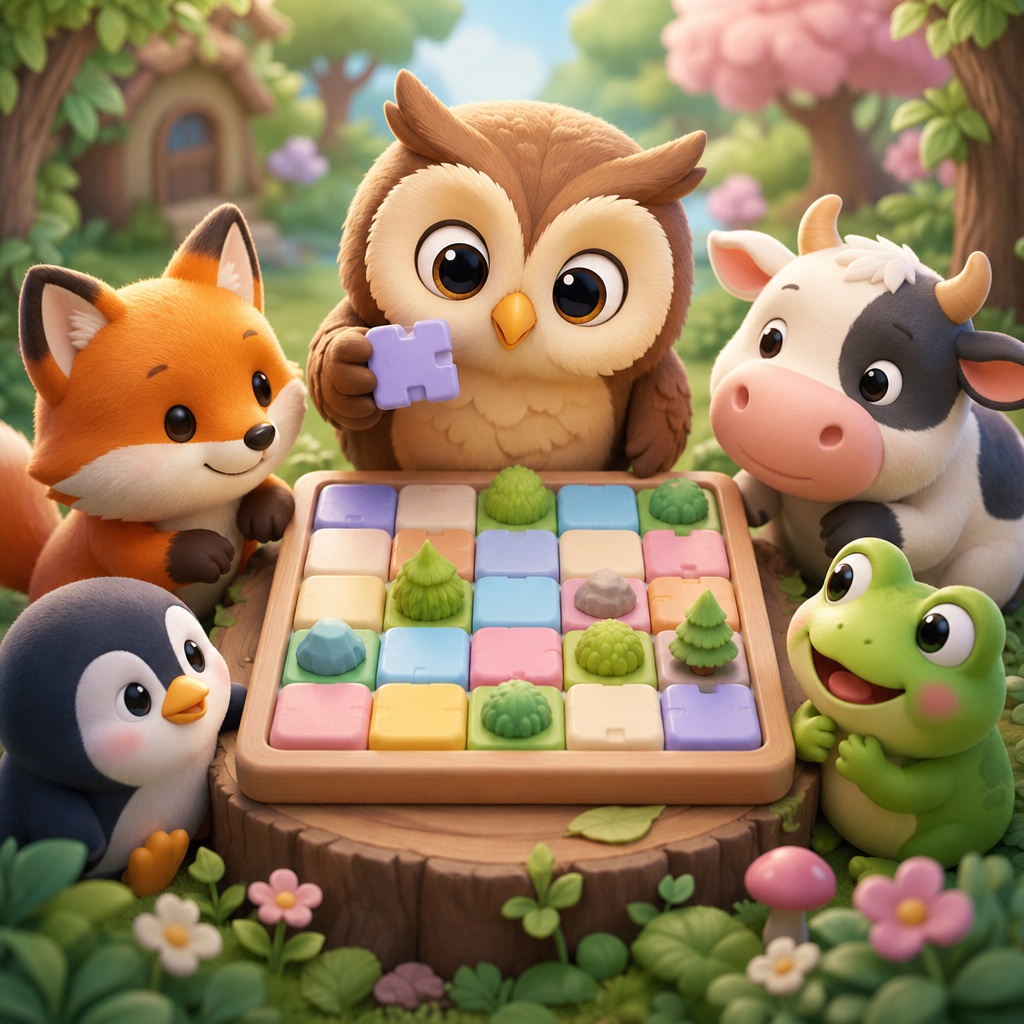
Frequently asked questions
What are the puzzle rules?
- Place exactly one animal in every row.
- Place exactly one animal in every column.
- Place exactly one animal in every colored region.
- Animals cannot touch, including diagonally.
How do I place an animal or mark a cell?
Double-tap a valid cell to place its animal. Tap an empty cell to add an X mark. Press and drag across cells to mark several cells, or clear several existing X marks, in one motion.
How do hints work?
Your game begins with three hints shared across all levels. After they are used, additional hints can be earned by watching a rewarded advertisement when one is available.
Why is a rewarded advertisement unavailable?
Advertisements require an internet connection and may not always be available in every region. Check your connection, wait a moment, and try again. Closing an advertisement before the reward is confirmed will not grant a hint.
How does the Daily Challenge work?
A new Daily Challenge is available each calendar day. Once the challenge has been played, the next challenge becomes available after the daily reset.
How do I change sound or vibration settings?
Open Settings from the main screen or game screen. Sound effects, music, and haptic feedback can be switched on or off independently. Haptic feedback requires a supported physical device.
Still need help?
Include your device model, iOS version, app version, and a short description of the issue.
Privacy Policy
Last updated: August 4, 2026
This Privacy Policy explains how information is handled when you use Animaldoku. Animaldoku does not require an account and does not ask you to provide your name, phone number, or address to play.
Game progress
Level progress, unlocked animals, settings, hint balance, daily challenge status, and tutorial status are stored locally on your device. This local data may be removed if you delete the app or erase its data.
Advertising
Animaldoku uses Google Mobile Ads to display advertisements. Depending on your region, device settings, and consent choices, Google and its partners may process information such as:
- Device and advertising identifiers where permitted
- IP address and approximate location derived from it
- Advertisement views, clicks, and interactions
- Device information, diagnostics, and fraud-prevention signals
This information is processed to deliver advertisements, measure performance, prevent fraud, and comply with legal requirements. Learn more in the Google Privacy Policy and Google Business Data Responsibility information.
Consent and tracking choices
Where required, the app may ask for advertising consent or permission before accessing data used for tracking. You can change relevant privacy and tracking permissions in iOS Settings. Declining tracking does not prevent you from playing Animaldoku.
Children's privacy
Animaldoku is not directed to children under the minimum age required by applicable law. We do not knowingly request personal information from children.
Data sharing and retention
We do not sell personal information directly. Advertising providers may process and retain data under their own privacy policies. We may disclose information when required by law or to protect users, the app, or our legal rights.
Your choices
You may limit ad tracking through iOS privacy settings. You can remove locally stored game progress by deleting the app. Privacy rights vary by location; contact us to submit a privacy-related request.
Changes to this policy
We may update this policy when the app, third-party services, or legal requirements change. The latest version will be posted on this page with a revised update date.
Contact
For support or privacy questions, email support@your-domain.com.